It is 2 a.m., and alarms sound in a distant pump station. An on-call engineer may either travel out there or use his computer to solve the issue. Remote access has brought much relief to the lives of plant specialists. But it is a double-edged sword. In addition to all the benefits, it allows malicious users to gain access to systems that control production and utilities.
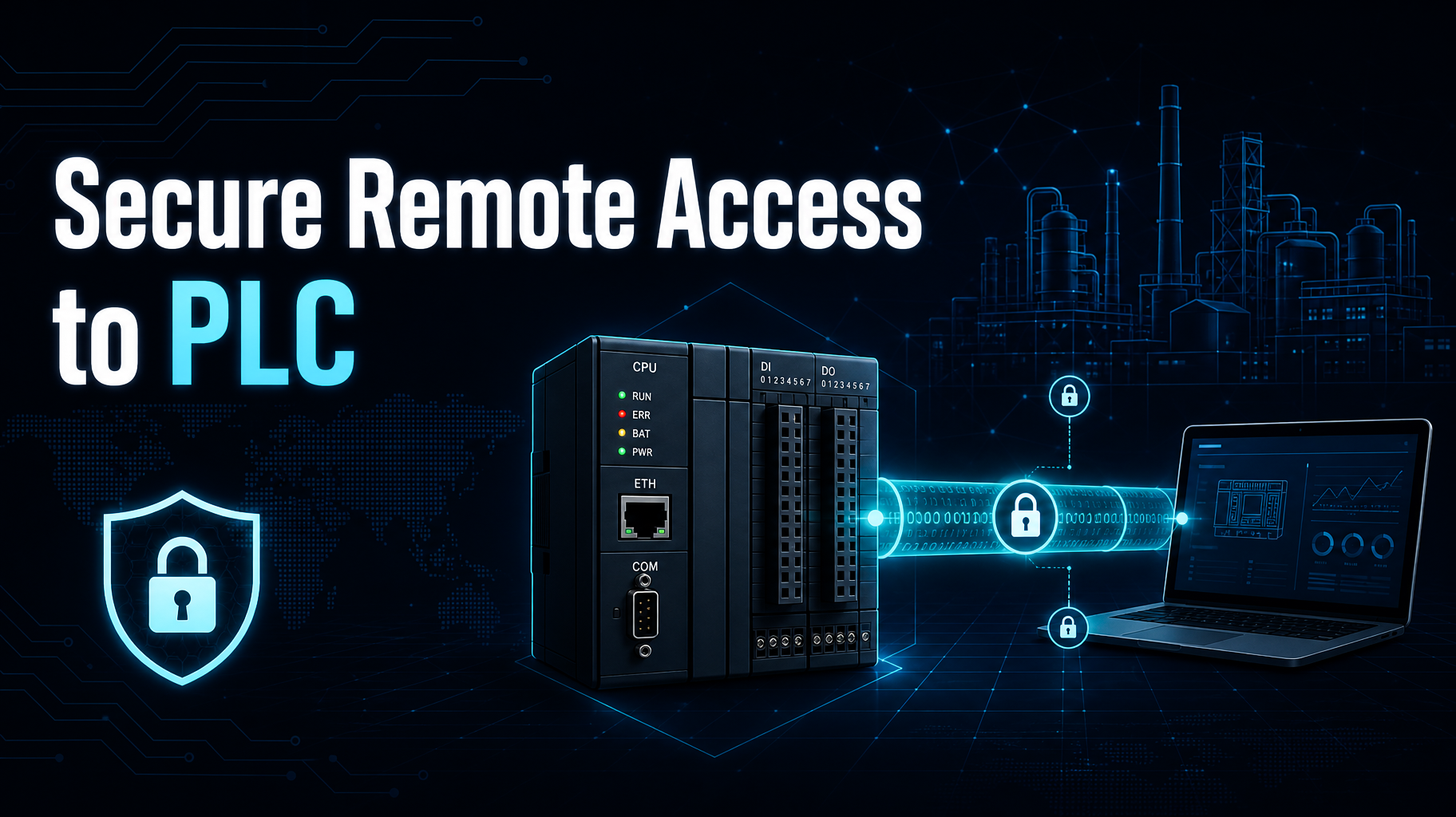
This article will discuss different ways of reaching PLCs remotely, potential risks related to each method, and best practices for safe remote connections.
Why Do Engineers Have to Use Remote Connections with PLCs?
In most cases, programmable logic controllers control pumps, conveyor belts, packaging equipment, and power stations.
Remote connections to PLCs become necessary for vendors, system integrators, and company engineers in case of troubleshooting, updates, or downloading information.
But it is too costly to send someone to the site in order to handle every issue, particularly with dispersed objects such as water wells, lift stations, and solar farms.
But the thing is that modern PLCs are not supposed to be connected to the Internet, and many legacy devices don’t provide proper authentication and encryption for the programming interface.
So, once they become exposed to the network, any external party would be able to read or modify their logic code.
Widely Used Remote Access Methods
These methods include:
- Port forwarding: Setting up a rule in the firewall that allows access via TCP 502 for Modbus or TCP 44818 for EtherNet/IP to the PLC. Fast and insecure, this method is usually a first step toward disaster.
- Remote desktop to engineering workstation: A user logs in via the RDP protocol into a personal computer located in the plant and having the appropriate programming software.
- Establishment of a VPN connection: Establishing an encrypted tunnel between the remote client and the plant’s network, or a certain part of it.
- Use of the vendor or locally deployed secure gateway for remote access: A platform of a third-party service provider or a dedicated gateway in the plant allowing the brokering of the session and often involving an authorization procedure, session recording, and separate privileges per device.
As you can see, the more convenient it is to establish a remote connection, the less secure it becomes.
The Risks Associated With Exposed PLCs
PLC-based control systems are easily discoverable on the Internet by search engines such as Shodan or Censys.
Recently, hackers used these methods to find vulnerable PLCs in several American water utilities, for instance, the Municipal Water Authority of Aliquippa, located in Pennsylvania. And, of course, many of the targeted devices had been exposed to the Internet and continued to use the default passwords.
Besides that, remote desktop solutions imply their own risks because they are known targets for malicious actors who are searching for credentials or trying to compromise RDP services.
Also, the use of any third-party service increases the risk, as the hack of only one vendor account could grant the attacker access to many customer plants.
Consequences may be very unpleasant for the enterprise in terms of data loss and potentially dangerous for plant workers and people who use the produced utilities.
Recommendations for Remote Connections to PLCs
Access to a PLC through the Internet via open ports is unacceptable in the case of any control systems.
Establishing an encrypted tunnel is considered to be a common practice in the industry, and connecting each session via a reliable VPN tunnel with a strong authentication method, such as multi-factor authentication, is accepted by most security models as a minimal requirement.
But it has to terminate with the user being located in an industrial DMZ or restricted network area, not the control one.
After this, here are the additional measures that have to be taken to make your network protected from malicious users:
- Segmentation of the network, for instance, according to the IEC 62443 zone-and-conduits method.
- Each worker and third party has their personal account with the least-privilege principle applied to them (limited to particular devices and allowed time intervals).
- Approval before the start of the session is required.
- Modification of default passwords and shutting down all unnecessary ports and services on the controllers.
- Use the PLC’s key switch and mode protections to prevent configuration changes when not allowed.
- Updating all firmware and software for remote access, and keeping track of all connections.
Also, remote access must always be established “on demand,” not permanently enabled. If the access session is terminated as soon as the work is done, a hacker cannot use it in the middle of the night. The recommendation to remove the OT device from the public Internet and control every connection to it is given both by NIST SP 800-82 Rev. 3 and the CISA fact sheet from 2025.
Conclusion
It is impossible to give up such a useful tool as remote access to PLCs. But you should be careful when using it. First of all, it means closing all unnecessary ports, establishing an encrypted connection with multi-factor authentication, and limiting access to only what’s really needed. Add all of the mentioned measures and make remote connections secure.