In many industrial plants, engineers face a confusing situation where the PLC shows perfectly correct values during online monitoring, but the SCADA screen displays something entirely different. The field signal is healthy, the logic is stable, yet operators see incorrect temperatures, pressures, flows, or levels. This mismatch creates unnecessary troubleshooting, operator panic, and sometimes even process disturbances.
SCADA Data Showing Wrong Values
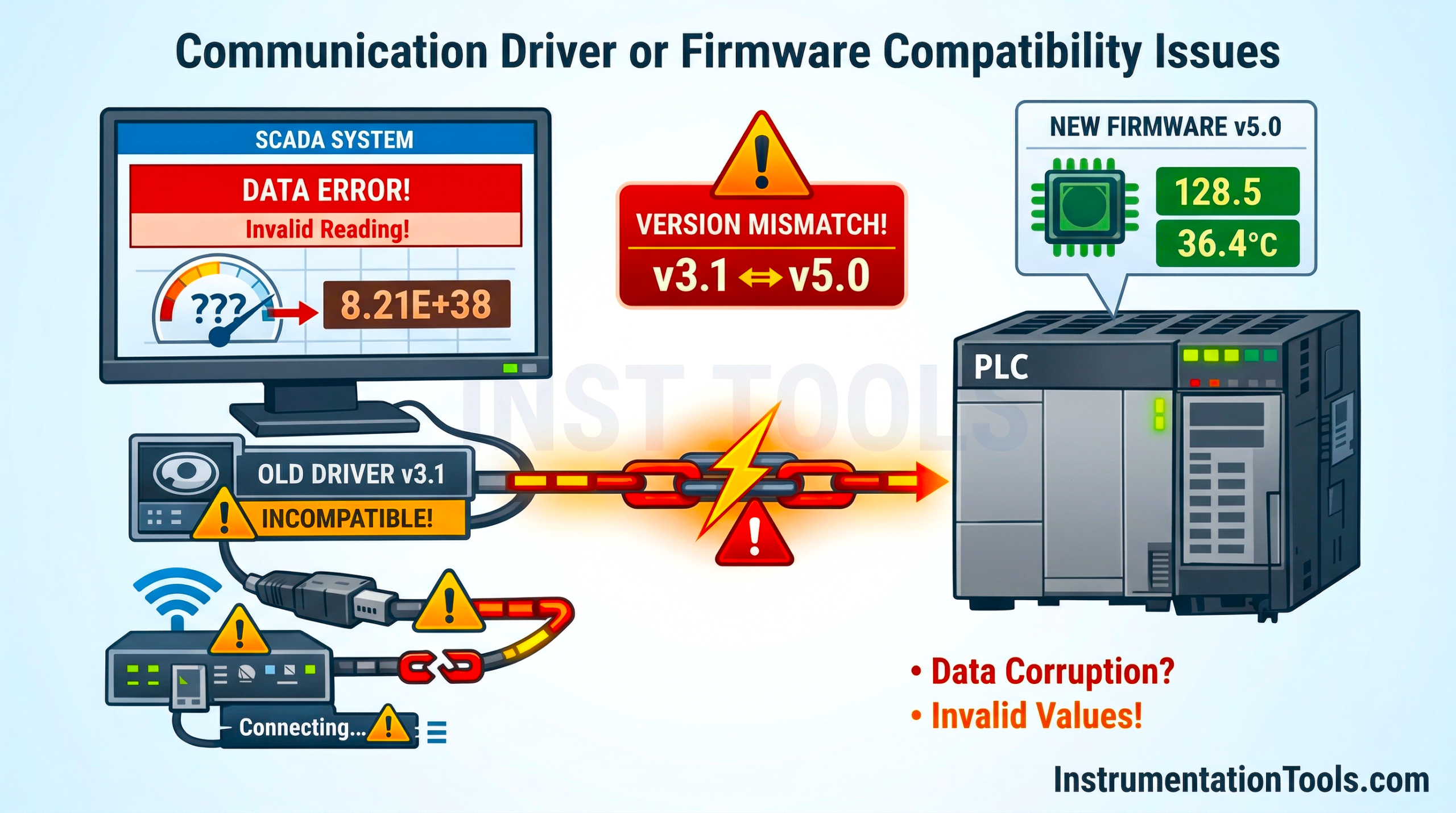
The issue usually does not lie in the field instrument or PLC logic, but somewhere in the communication, data handling, or configuration between PLC and SCADA. Understanding why SCADA can show wrong values while the PLC remains correct is crucial for faster fault diagnosis and maintaining plant reliability.
Scaling mismatch between PLC and SCADA
Scaling mismatch is one of the most common reasons SCADA shows incorrect values even when the PLC is perfectly correct. In many systems, the PLC converts raw analog input values (for example, 0-32767 counts from a 4-20 mA module) into engineering units like 0-100 °C or 0-10 bar. This scaled value is then stored in a REAL tag and used in logic, alarms, and interlocks. The problem arises when SCADA assumes it is reading raw counts and applies its own scaling again.
For example, if the PLC already converted 16384 counts into 50 °C, and SCADA applied another 0-100 scaling on that 50 value, the final display becomes completely incorrect. In some cases, the error is subtle (slightly off value); in others, it becomes drastically wrong. This typically happens during commissioning when documentation is unclear about whether the SCADA tag is mapped to a raw register or an already scaled engineering value.
Data type mismatch
Data type mismatch between PLC and SCADA is another frequent cause of wrong displayed values. In the PLC, process variables like temperature, pressure, or flow are often stored as REAL (floating point) values because they contain decimals. However, if the SCADA tag is configured as INT or DINT, it will interpret the same memory location differently.
For example, a PLC REAL value of 25.75 may appear as 0, 25, or even a completely abnormal large number on SCADA, depending on how the bytes are interpreted. In some cases, negative values may suddenly appear positive or vice versa. The PLC logic remains correct, but SCADA misreads the memory structure. This issue is very common in systems using Modbus, Ethernet/IP, or third-party drivers where manual tag configuration is required. Even a small mistake in selecting the tag data type can cause misleading values.
Byte/word order (Endian issue)
Byte or word order problems are very common when SCADA communicates with PLCs using protocols like Modbus Organization standards (Modbus TCP/RTU) or other third-party drivers. Floating-point (REAL) values are stored in two consecutive 16-bit registers. If SCADA reads these registers in the wrong order (high word and low word swapped), the number becomes completely distorted.
For example, a real value of 45.6 in the PLC may appear as something abnormal like 3.4E+38 or a large negative number on SCADA. The PLC is perfectly fine, but the issue lies only in how the two words are combined. Different manufacturers follow different byte ordering conventions (big-endian vs little-endian). Some drivers provide options like:
- Word Swap
- Byte Swap
- Byte + Word Swap
If this setting is incorrect, only floating-point values will look wrong while integer tags may appear normal, which makes troubleshooting confusing.
Address offset errors
Address offset mistakes are simple but very common, especially in large projects with hundreds or thousands of tags. The PLC may store a value in one register, but SCADA might be configured to read the next or previous address due to an off-by-one error.
For example, if the actual process value is stored at register 40021, but SCADA reads 40020 or 40022, it will display a completely different value, sometimes another process variable or sometimes a meaningless number. The PLC logic remains correct because it is using the proper internal tag, but SCADA is simply pointing to the wrong memory location.
This issue often occurs due to differences in addressing conventions. Some systems use zero-based addressing (starting from 0), while others use one-based addressing (starting from 1). During configuration, this small difference can shift every tag by one register.
Stale or frozen data
Sometimes SCADA shows incorrect values, not because they are wrong, but because they are not updating at all. If communication between PLC and SCADA is interrupted momentarily, the SCADA system may continue displaying the last good value without clearly indicating a problem. Meanwhile, the PLC is updating normally in real time. This creates a dangerous situation: the PLC shows 85 °C, but SCADA still displays 72 °C because that was the last successfully polled value. Operators assume the process is stable, while the actual condition has already changed.
This commonly happens due to network congestion, intermittent Ethernet faults, overloaded SCADA servers, or driver timeouts. In some systems, tag quality status (Good/Bad/Uncertain) is ignored or not configured to generate alarms, making the issue harder to detect.
In this way, we saw how SCADA shows wrong values while PLC is correct.