SCADA systems allow operators to monitor and control industrial processes from multiple workstations connected to a central server. In distributed architectures used by various SCADA platforms, the server collects data from PLCs and shares it with several operator clients across the network.
SCADA Lagging on Remote Stations
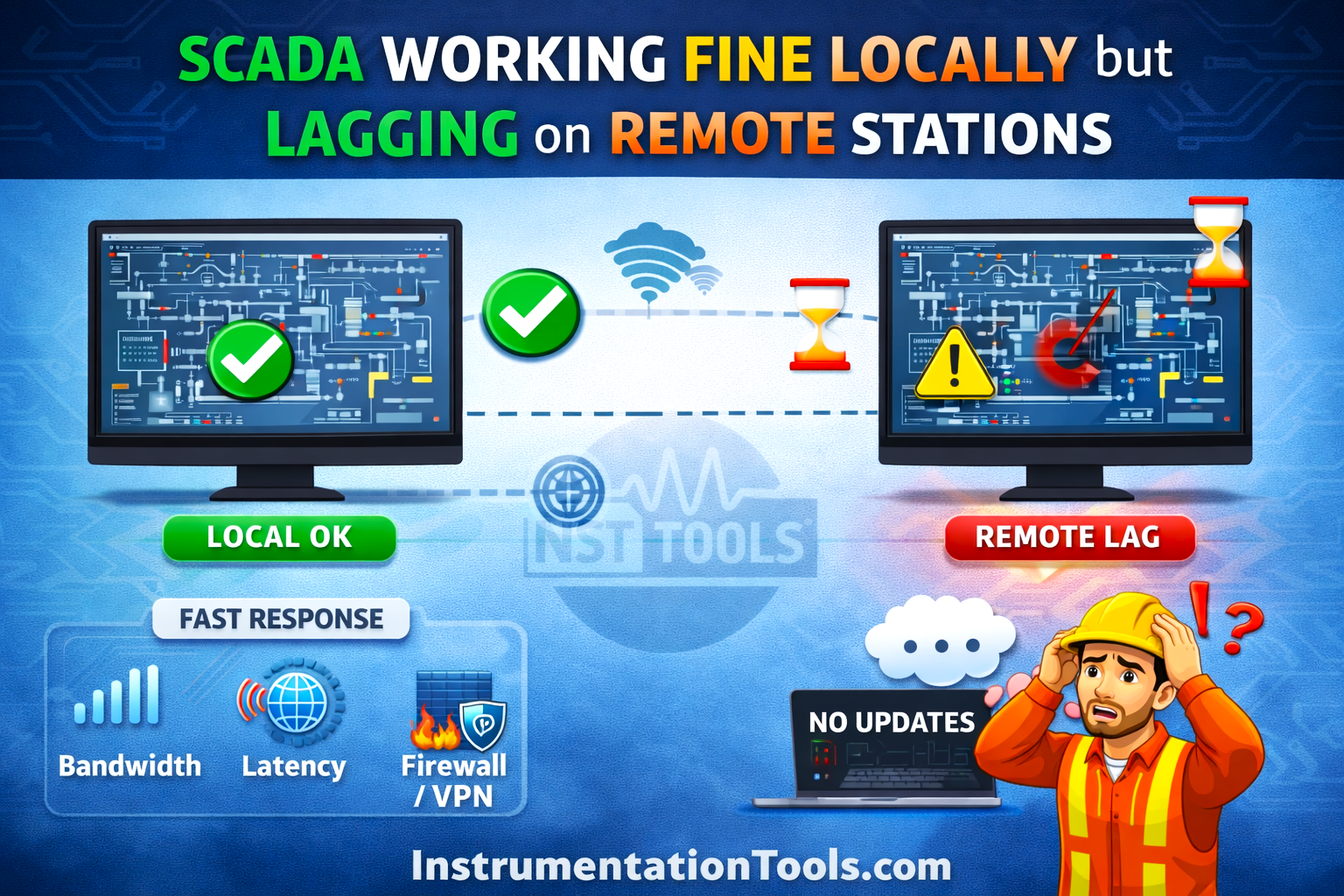
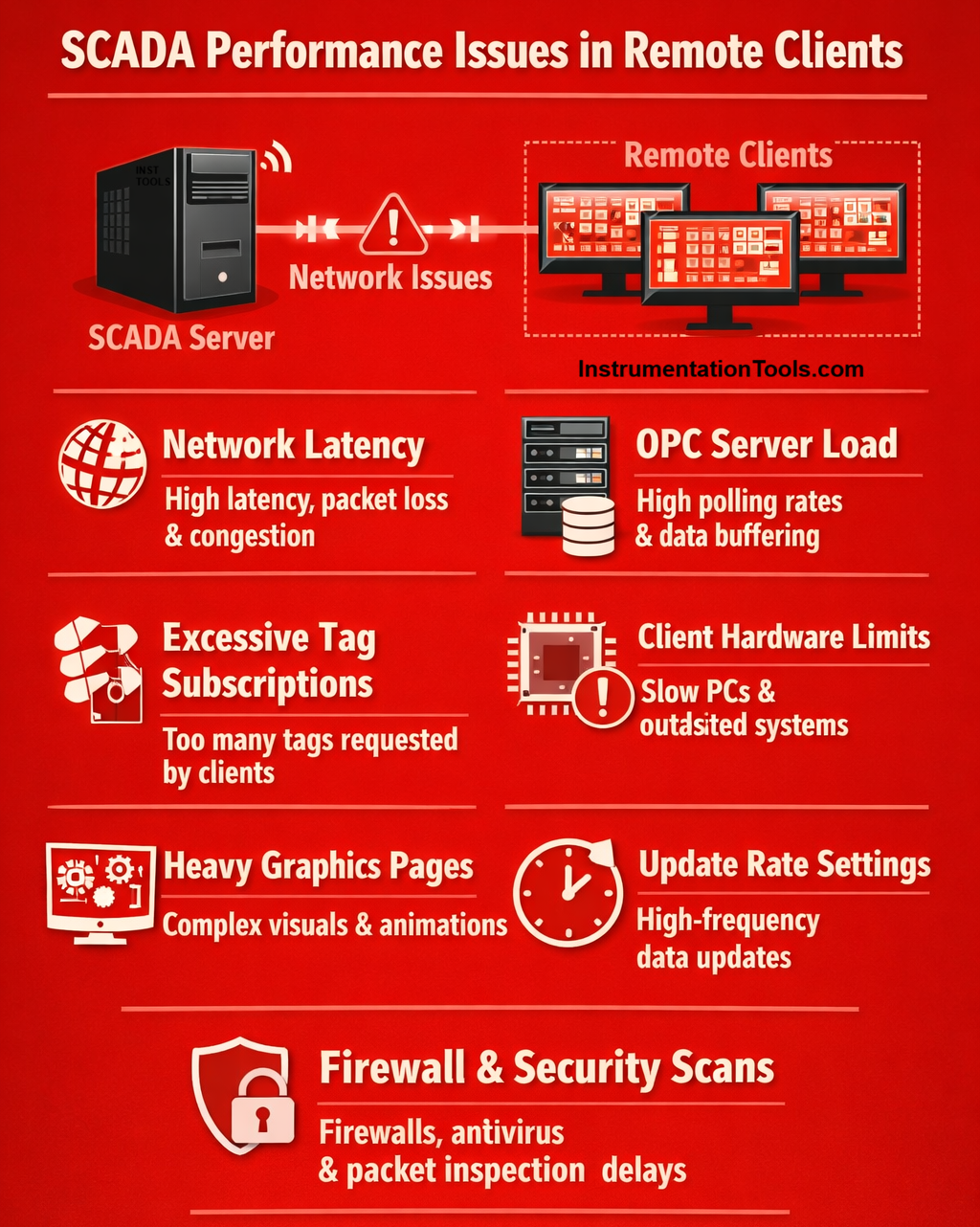
A common issue in such setups is that the SCADA application works perfectly on the local server, but remote clients experience lag, delayed tag updates, or slow screen navigation. Since the server appears to run normally, the root cause is often related to network communication, data distribution, or client-side performance limitations rather than the SCADA application itself. We will see in this post why this happens.
Network latency between the server and the client
One of the most common reasons for SCADA lag on remote workstations is network latency between the SCADA server and the client machines. While the local server accesses process data internally, remote clients depend entirely on the network to receive tag values, alarms, and graphical updates. If the network has high latency, packet loss, bandwidth limitations, or congestion, the SCADA client cannot receive updates in real time.
This results in slow screen loading, delayed tag value refresh, and sluggish navigation between graphics pages. The issue becomes more noticeable when remote clients are connected through Wi-Fi, VPN connections, or long-distance routed networks instead of a stable industrial Ethernet network. Even a small communication delay can accumulate when hundreds of tags are being continuously updated from the server.
Excessive tag subscription from clients
Another common reason for lag on remote SCADA stations is excessive tag subscriptions from the client graphics pages. When an operator opens a display, the client requests real-time values for every tag used on that screen from the SCADA server.
A single graphics page may contain hundreds of tags linked to indicators, motors, valves, alarms, and trends. When multiple remote clients open such heavy pages simultaneously, the server must continuously send updates for all those tags over the network. This significantly increases network traffic and server processing load, which can lead to slower refresh rates and noticeable lag on remote machines, even though the local server display appears smooth.
Heavy graphics pages
SCADA graphics pages with complex visual elements can also cause lag on remote clients. Displays that include high-resolution background images, multiple animations, trending objects, faceplates, and scripts require more data processing and transfer from the server to the client machine.
While the local SCADA server renders these graphics instantly, remote clients must download the graphic components and continuously receive updates for dynamic objects over the network. Pages designed with excessive visual elements can significantly increase screen loading time and refresh delays on remote operator stations.
OPC or data server load
SCADA systems often obtain real-time data from PLCs through an OPC layer such as Kepware OPC Server or communication frameworks based on OPC UA. When the number of tags being polled from PLCs is very high, or the scan rate is configured too fast, the OPC server may experience a heavy processing load.
Although the local SCADA server may still display data without noticeable delay, remote clients depend on the server to distribute these updates. If the OPC or communication server is busy handling large volumes of data requests, it can create data buffering or queue delays, which result in slower tag updates and lagging displays on remote SCADA clients.
Client hardware limitations
Sometimes the lag is caused by hardware limitations of the remote client computers rather than the SCADA server itself. If the client machines have low RAM, slower processors, or outdated graphics capability, they may struggle to render complex SCADA graphics smoothly.
Modern SCADA platforms rely on significant system resources to process animations, alarms, and trending objects in real time. While the server workstation is usually configured with higher specifications, remote operator stations may be older PCs. As a result, these systems take longer to load screens and process dynamic updates, leading to noticeable lag during operation.
Server-to-client update rate configuration
SCADA systems distribute real-time data from the server to multiple clients using configured update rates or scan classes. If these update intervals are set very fast, the server attempts to send tag updates to every connected client at a high frequency.
In SCADA platforms, aggressive update settings can significantly increase the amount of data being transmitted across the network. When several remote clients are connected simultaneously, the continuous flow of updates can create high network traffic and server processing load, which may lead to delayed screen refresh and sluggish performance on client stations.
Firewall, antivirus, or security scanning delays
In many industrial networks connected to corporate IT infrastructure, security systems such as firewalls, antivirus software, or network monitoring tools inspect the data packets moving between the SCADA server and remote clients. While these protections improve cybersecurity, they can sometimes introduce communication delays.
If SCADA traffic from platforms like FactoryTalk View SE or Siemens WinCC is continuously scanned or filtered, the data packets carrying tag updates and graphics information may take longer to reach the client workstation. This additional processing time can cause slow screen loading and delayed tag value updates on remote SCADA clients.
In this way, we saw why SCADA works fine locally but fails on remote stations.