In many industrial automation systems, engineers sometimes observe that SCADA tag values appear on the screen a few seconds later than expected, even though communication with the PLC is perfectly healthy. The tags do not freeze, drop, or show communication errors, but they simply update with a slight delay. This situation can confuse operators and maintenance teams because all diagnostics indicate that the network and controllers are functioning normally.
Tag Values Updating Late
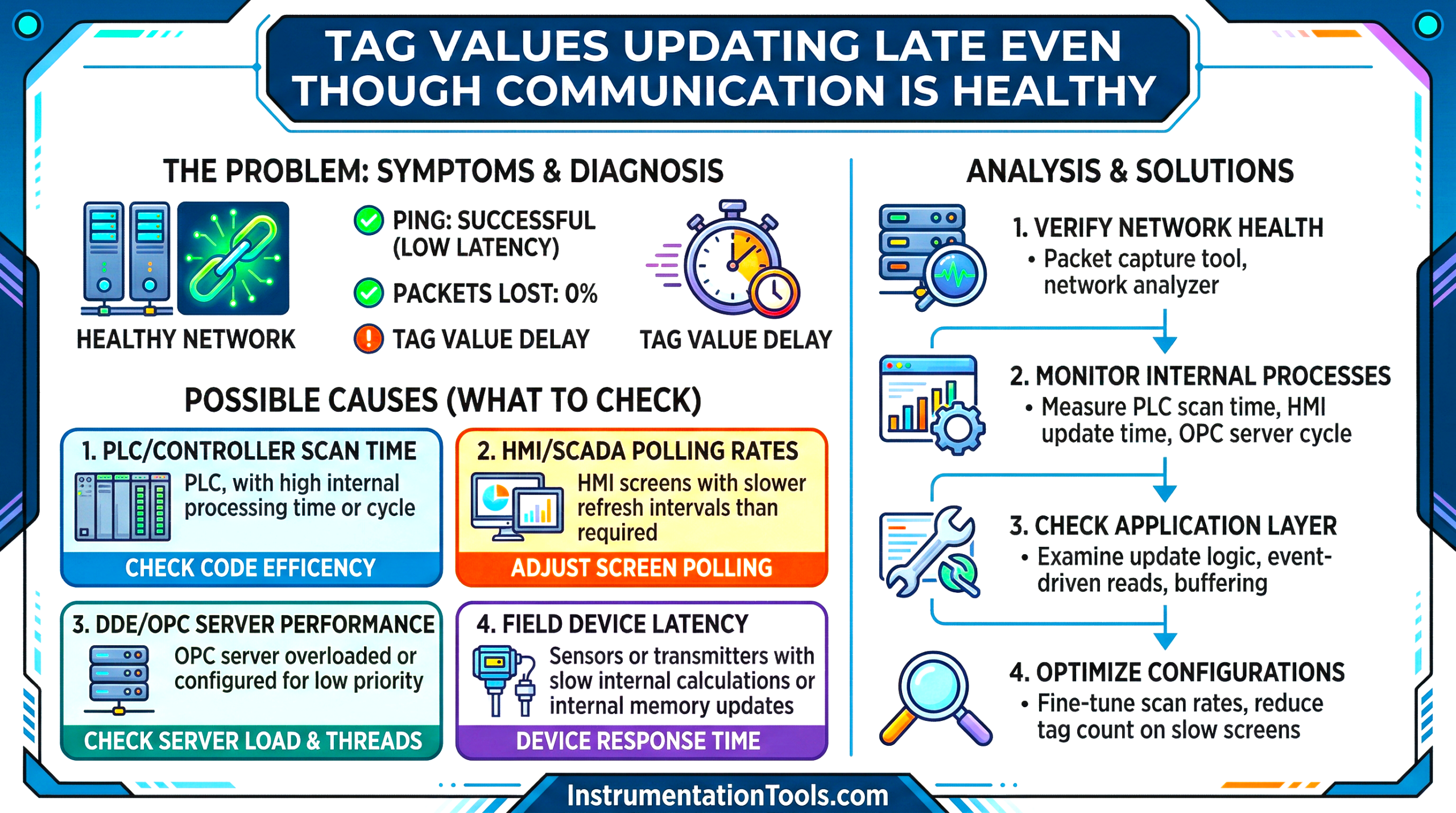
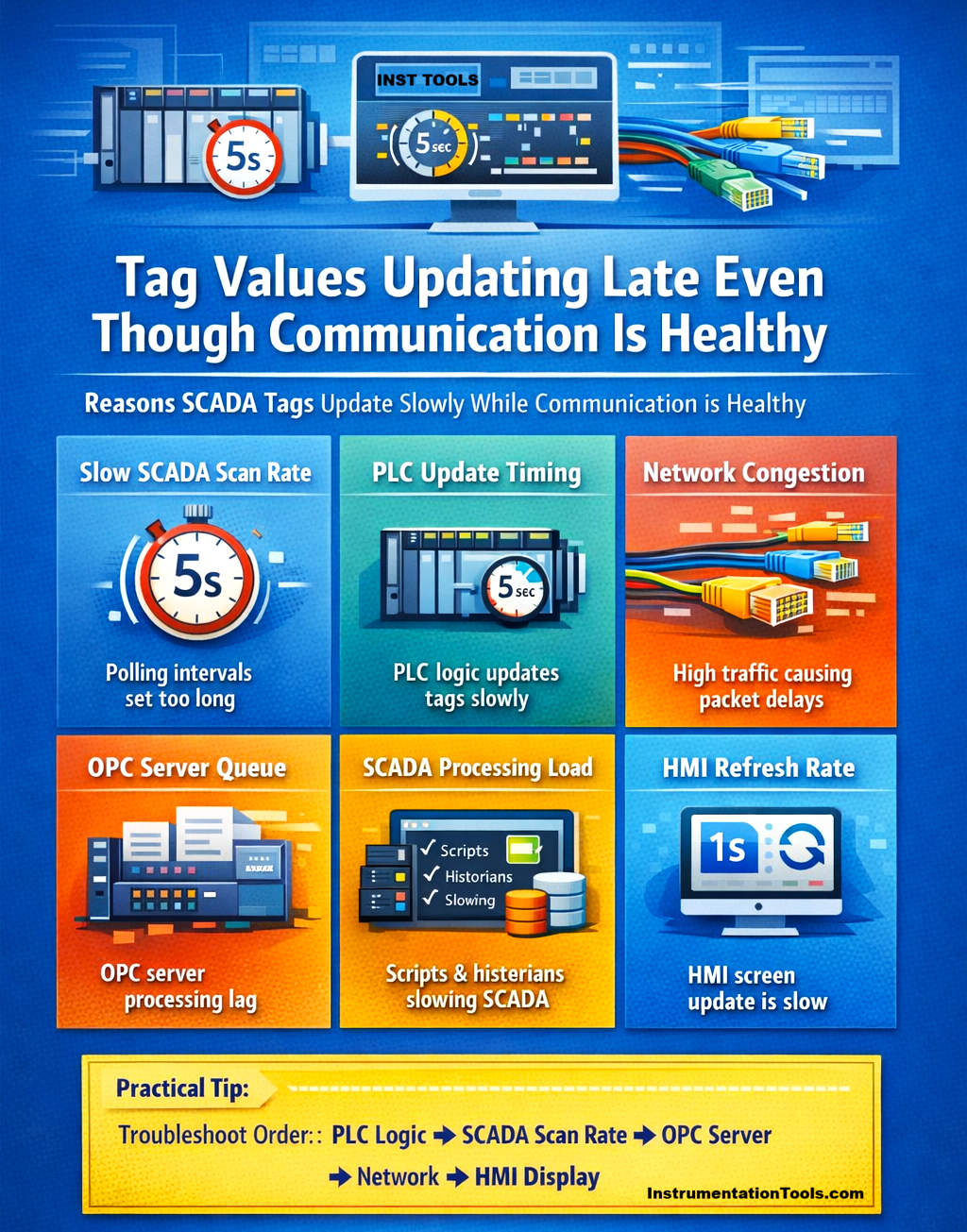
In most cases, the issue is not a failure but a result of scan rate settings, PLC task execution timing, OPC processing delays, or HMI refresh behavior. Understanding these subtle factors is important for automation engineers to correctly diagnose delayed tag updates and avoid unnecessary troubleshooting of the communication network.
SCADA scan rate or polling interval set too high
One of the most common reasons for tag values updating late while communication is still healthy is an incorrectly configured SCADA scan rate (polling interval). In most SCADA systems, tags are grouped into scan classes or polling groups that define how frequently the SCADA server reads data from the PLC. For example, if a scan class is configured to read tags every 5 seconds, the PLC may already have the latest value, but the SCADA will only request that value during the next polling cycle. As a result, the operator sees the update a few seconds later, even though the communication is perfectly normal. The system is not failing; it is simply following the configured polling schedule.
This situation often happens when engineers increase scan intervals to reduce network load or CPU usage. While this improves system performance, it can unintentionally include critical process tags in slower scan groups, causing visible delays in HMI displays. In large systems with thousands of tags, proper scan class design is important. Fast-changing process variables such as flow, pressure, or motor status should be assigned to fast scan classes, while less critical data, like diagnostics or maintenance counters can remain in slower polling groups. This ensures that important information appears on the operator screen without noticeable delay while still keeping the network optimized.
PLC program updating the value slowly
Another practical reason for delayed tag updates is that the PLC program itself is updating the variable slowly. In this case, the SCADA system is reading the tag at the correct speed, but the PLC logic updates that value only after certain conditions or time intervals. For example, many PLC programs calculate values inside periodic tasks, timers, or slower program routines. If a variable is updated only every few seconds inside a timer-based logic block, the SCADA will continue reading the same value until the PLC writes a new one. From the operator’s perspective, it appears that the SCADA tag is updating late, even though communication between SCADA and PLC is functioning perfectly.
This situation is commonly seen in cases such as flow totalizers, averaged process values, batch calculations, or diagnostic counters, where the programmer intentionally updates the value at longer intervals. While this approach reduces PLC processing load, it can create the impression of delayed data on the HMI screen. Therefore, during troubleshooting, it is important to verify how frequently the PLC logic writes to the tag, not just how often the SCADA reads it. If the PLC update cycle is slow, the displayed value will naturally appear delayed even when the communication system is operating normally.
Network congestion or high Ethernet traffic
Another possible reason for delayed tag updates is temporary network congestion in the industrial Ethernet network. Even when communication is stable and there are no packet losses or disconnections, heavy network traffic can cause small transmission delays. In many plants, the same network may carry traffic from multiple PLCs, SCADA servers, historians, engineering workstations, and remote I/O adapters. When several devices exchange large amounts of data simultaneously, Ethernet switches must buffer and schedule packets before forwarding them to the destination device.
As a result, the SCADA system still receives the PLC data correctly, but a few milliseconds or seconds later than expected. To operators, this appears as a slight delay in tag updates, even though diagnostics show that communication is healthy. This situation is more common in systems where historian logging, large tag databases, or frequent PLC-to-PLC messaging are running on the same network. Poorly designed network architecture, such as using unmanaged switches or mixing office IT traffic with control traffic, can also contribute to these delays. During troubleshooting, engineers should check network utilization, switch statistics, and communication load to determine whether high traffic is introducing delays in otherwise normal tag updates.
OPC server processing delays
In many automation architectures, the SCADA system does not communicate directly with PLCs but instead uses an OPC server as an intermediary. The OPC server collects data from multiple controllers and then distributes it to SCADA clients. When the OPC server is handling a large number of devices and thousands of tags, it may introduce slight processing delays. In such cases, the PLC sends data normally, and the network communication remains healthy, but the OPC server must process multiple requests, manage subscriptions, and update connected clients sequentially. If the system load is high, the OPC server may temporarily queue some tag updates before sending them to the SCADA application.
This results in a situation where the tag values are not lost, and communication does not fail, but the SCADA display receives the updated value a little later than expected. Operators then observe delayed updates even though the PLC and network are functioning correctly. This condition is more likely to occur when the OPC server is configured with too many tags, fast polling rates, or multiple SCADA clients simultaneously requesting data. During troubleshooting, engineers should review OPC diagnostics, server CPU usage, and tag subscription rates to determine whether the OPC server is becoming a bottleneck in the data flow.
SCADA scripts or background processing load
Another reason tag values may appear late is heavy processing inside the SCADA system itself. Modern SCADA platforms often run scripts, calculations, alarm evaluations, and historian logging in the background. When the system is handling a large number of these tasks simultaneously, it may temporarily delay how quickly tag updates are processed and displayed. In such situations, the PLC sends data normally, and the network communication remains healthy, but the SCADA server must process multiple internal tasks before updating the tag value on the HMI screen. If the CPU load on the SCADA server becomes high, tag updates may be placed in a processing queue and displayed slightly later.
This condition is commonly observed in systems where large numbers of tags are logged to a historian, complex scripts run continuously, or multiple HMI clients are connected to the same SCADA server. Even though the communication is working correctly, the internal workload of the SCADA application can introduce a noticeable delay. During troubleshooting, engineers should check SCADA server CPU usage, script execution frequency, historian logging rates, and client connections. Reducing unnecessary scripts or optimizing logging intervals can often improve how quickly tag values appear on operator screens.
HMI display refresh rate
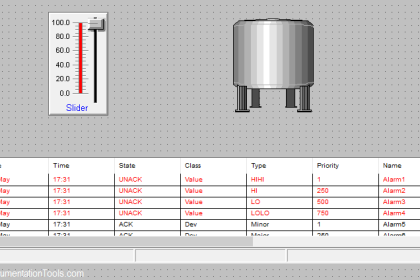
In some cases, the tag value inside the SCADA system is already updated, but the HMI screen does not refresh immediately. Most HMI or SCADA graphics pages are configured with a screen refresh rate, which determines how often the displayed values are updated on the operator interface. For example, if the HMI screen refresh rate is set to 1–2 seconds, the SCADA server may receive the updated value from the PLC instantly, but the operator will only see the change when the next screen refresh occurs. This creates the impression that the tag is updating late, even though the communication and data processing are functioning normally.
This behavior is especially noticeable on complex graphics pages that contain many animated objects, trends, alarms, and scripts. To maintain system performance, SCADA platforms sometimes limit how frequently these screens refresh. During troubleshooting, engineers should check whether the SCADA database tag value updates immediately while the HMI display updates later. If that is the case, adjusting the screen refresh settings or optimizing the graphics page can reduce the perceived delay in tag updates.
In this way, we saw why tag values update late, even though communication is healthy.