The motor is a very important part of industrial automation applications. It is required in almost every project, as it is necessary to vary the speed of the motor. Due to this, troubleshooting the motor in case of a fault becomes an utmost task to follow. In such a case, whenever a motor stops, it always confuses the engineer as to what immediate step must be taken. Otherwise, wrong or delayed actions can delay and hamper the work drastically. In this post, we will see what to do if a motor stops suddenly.
Contents
What are the possible causes of motor stopping suddenly?
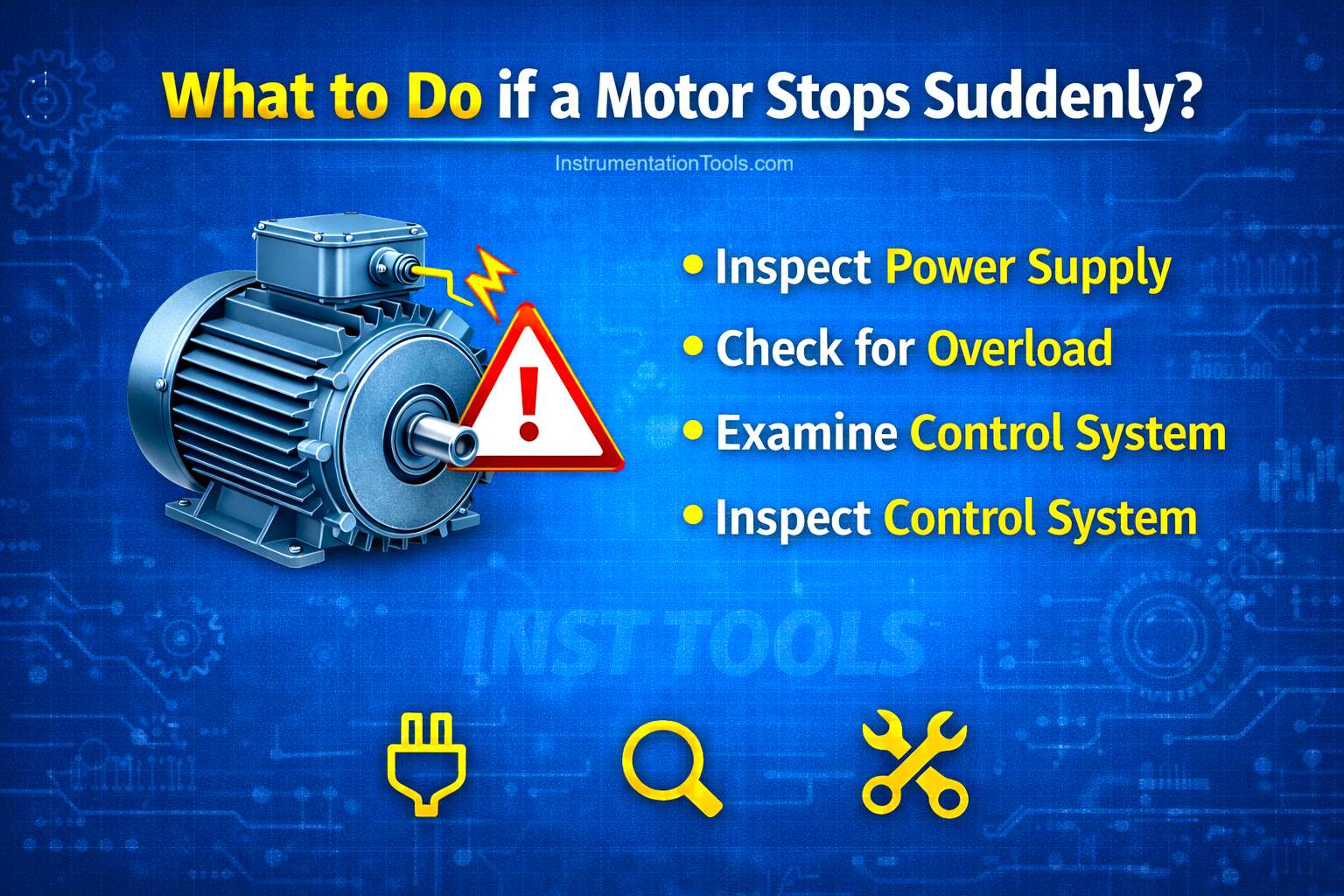
- A short circuit can occur in the motor winding when there is some insulation breakdown and the current comes out of the insulation and damages the windings. Due to this, the motor will stop running immediately. Insulation can also be damaged due to overheating, moisture, dust, and corrosion. So indirectly, damage to insulation means damage to the motor winding.
- The motor can stop for one basic reason, too – power off. The power supply to the motor can stop either naturally or due to a problem in the motor starter, which causes the fuse or breaker to trip, or if there is phase loss or voltage fluctuations, or there is a ground fault or lastly, a loose connection.
- The motor can stop due to human errors like irregular or wrong operation, improper maintenance schedule, which can slowly damage the motor, and wrong interpretation of the interlocks required to stop a motor. This is a very natural cause to stop the motor.
- Mechanical issues are also a major concern for stopping the motor. If the motor is overloaded, then it will run for some time and trip immediately afterwards. If the load is stuck or jammed, or the motor bearing/gearbox fails due to wear and tear, or there is sudden load loss, then too the motor will stop due to such mechanical errors.
- A motor is driven by a starter like a VFD, soft starter, star-delta etc. If there is an issue with the starter, like an internal circuit fault, overcurrent, overvoltage, overheating of the starter or incorrect protection settings, then the starter will trip frequently, which will indirectly stop the motor frequently.
What are the steps to undertake when a motor stops?
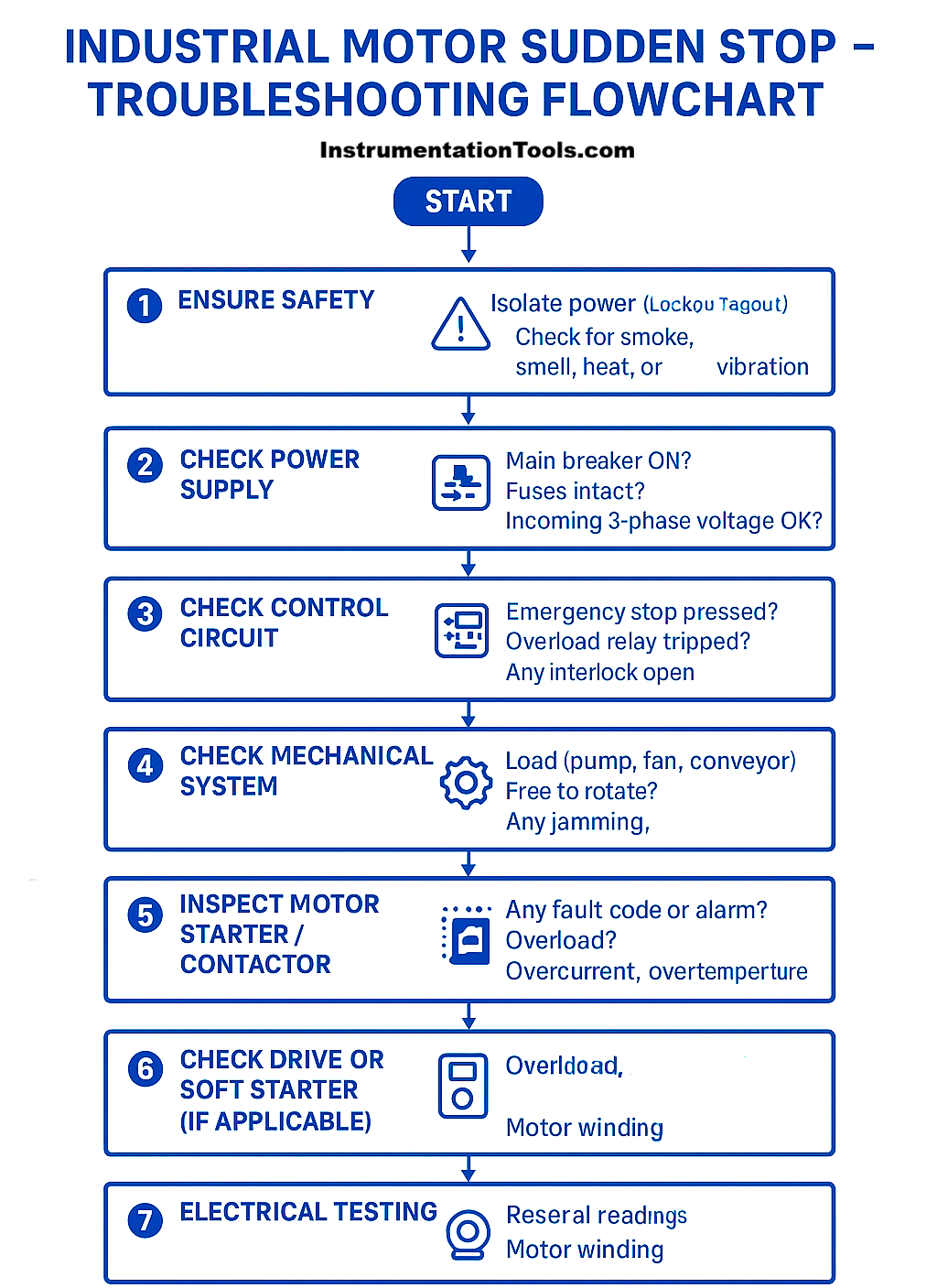
- The very first step is to check the power supply. If the power supply is fine, turn it off first of all to ensure the safety of the personnel. Check for any burning smell or visual fire, and if any such thing is found, then immediately inform the nearby personnel. Then, check whether any breaker or fuse has tripped, or any interlock is active, or any loose connection. If you find none of these active and all are fine, then you can power on the supply to check the electrical parameters of voltage and all. Use a multimeter and Megger tester and check the required points for any short circuit, insulation resistance or phase loss.
- In power off condition earlier, if overheating is found, then check motor windings, bearings, insulation, motor housing, and rotor shaft. Also, check for motor load specifications, whether matching with motor specifications, ventilation around the motor, and the motor capacitor (especially in single-phase ones).
- If the motor is controlled by a VFD, then expect the VFD to report any fault. VFD is easy to troubleshoot because it has fault codes shown on its display. From that fault, you can try to check exactly when the fault occurred and how to solve it. You can then check the VFD IOs, communication protocol links, motor terminals, and visually inspect for any semiconductor damage from outside.
- Even if that is healthy, you can verify the methods by which the motor is controlled. This means, either by a PLC or some other controller or even an electrical control circuit. With this, you can verify the interlocks and see if any false data was triggered to stop the motor. PLC code can be checked to find out any bugs.
In short, whenever a motor stops, the following angles of faults must be checked to get to the root cause:
- visual,
- mechanical,
- electrical,
- control logic,
- starter-related and
- environmental.